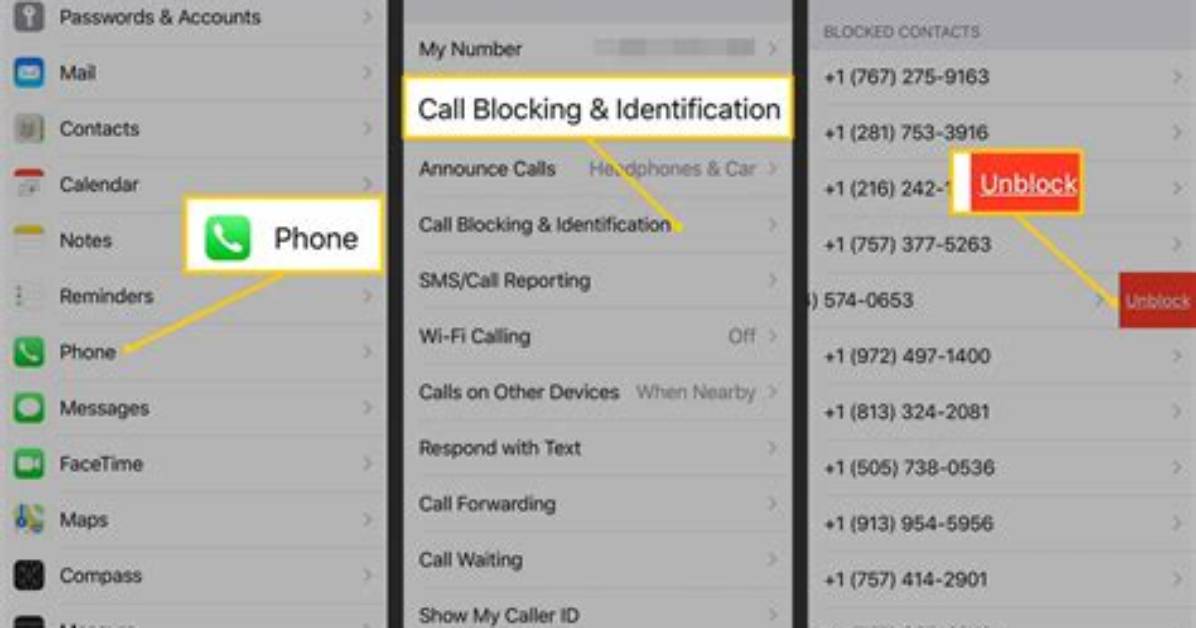
First, open the "Settings" app and tap where it says "Phone." Next, you'll tap "Blocked Contacts," which will show you a complete list of the numbers you've already blocked. To unblock a number, swipe left on the screen and click "Unblock."
Now, you'll be able to receive voice calls, text messages and FaceTime calls from that number. The same list of blocked contacts can also be found by going to the "Messages" page in the settings app and tapping "Blocked Contacts."

