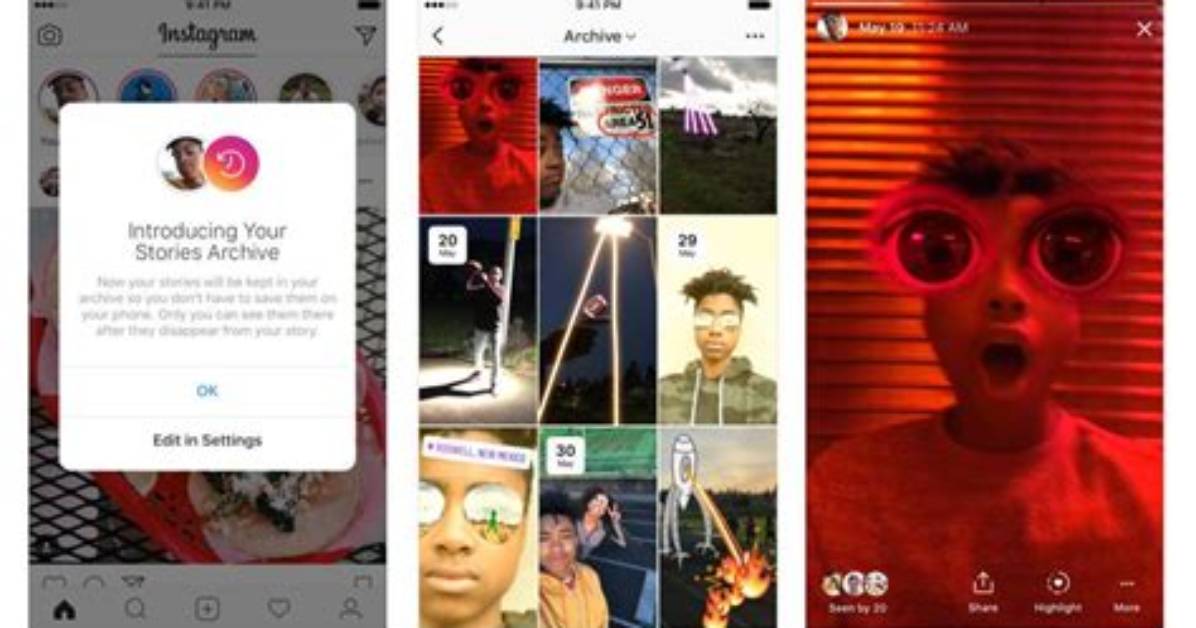
For as long as anyone can remember, saving an Instagram Story was as simple as hitting the download button next to the specific Story itself. Now the app has somewhat concealed the option, but it's still relatively easy to find.
If you've already posted something to your Story and want to save it, it's as simple as clicking on your Story and then clicking on the three white dots labeled "More" at the bottom right-hand corner of the screen. When you click that, a few options will come up, one of which will be labeled "Save." Upon clicking the "Save" button, you will be prompted to select to save either just the one specific Story post you are viewing or the entire Story you posted that day. Make that selection and that's it!
But that isn't the only way to save a Story. If you want to just use Instagram's wonderful Story-making tools to create something for yourself and not share it online, that's easy too! Simply swipe to the far left of the app to create a Story, add whatever media and effects you'd like, and then tap the three white dots (which are now in the top right-hand corner of the screen) and click "Save." This will save the Story to your camera roll and allow you to close out without posting it.

