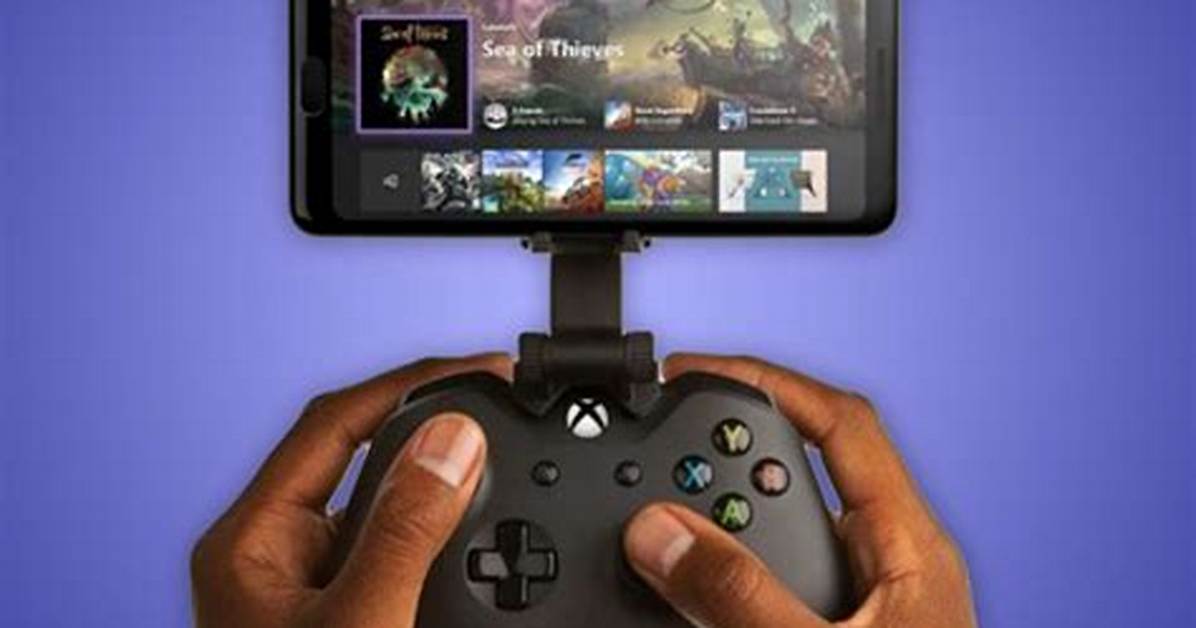
Xbox players can access their console and play games remotely through their phone, tablet, or PC, thanks to the console's remote play options.
To do this, you'll need:
- An Android phone with 6.0+, an iPhone with iOS 10+, or a PC with Windows 10 or 11
- An Xbox One or Xbox Series X/S console
- A wireless Xbox controller (make sure your device supports it first)
- The Xbox app (available on both the Apple App Store and Google Play store)
- A Microsoft account
- An Xbox profile
- A reliable internet connection
To set it up, you'll want to download the app to your device of choice. The app will help you set up remote play between your device and your console, and will run a test of your internet speed to ensure that you can play seamlessly.
While you can't purchase and download games through remote play, so long as the game is downloaded onto your console, you should be able to play it remotely on your tablet or mobile device.
Article continues below advertisement

