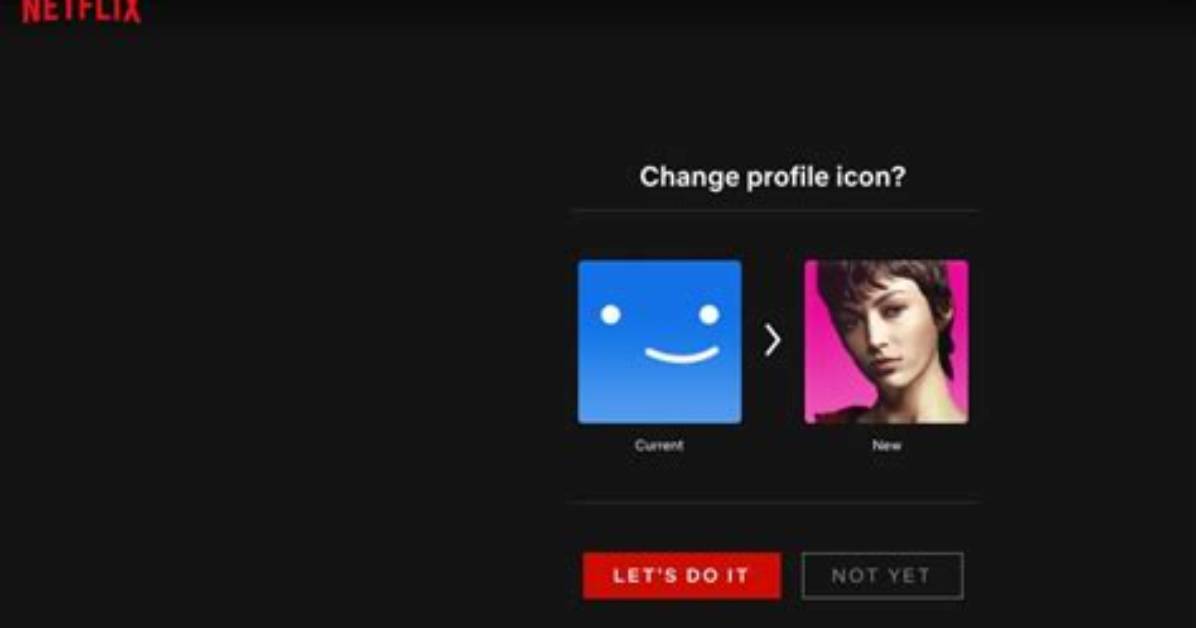
There's no easy way to get a custom profile picture on your Netflix account, but you can choose from a range of pre-selected ones on Netflix if you're tired of seeing the same blah squares every time you log in. Here's the easiest way to do that:
- The first thing you're going to want to do is hop on a web browser.
- Go to Netflix.com and log in if you haven't done so already.
- Then, navigate to the upper-right hand corner. There will be a little arrow icon beside your name.
- Hit "manage profiles".
- Over the profile, you'll see a pencil icon over the profile you want to edit. Click that.
- This is the "Edit Profile" screen. Once you're here, click the "edit" icon that's on the profile picture and you'll get to choose from a wide range of pre-selected profile pictures that are either pulled from Netflix originals or custom-designed by members of the streaming platform's design team.

