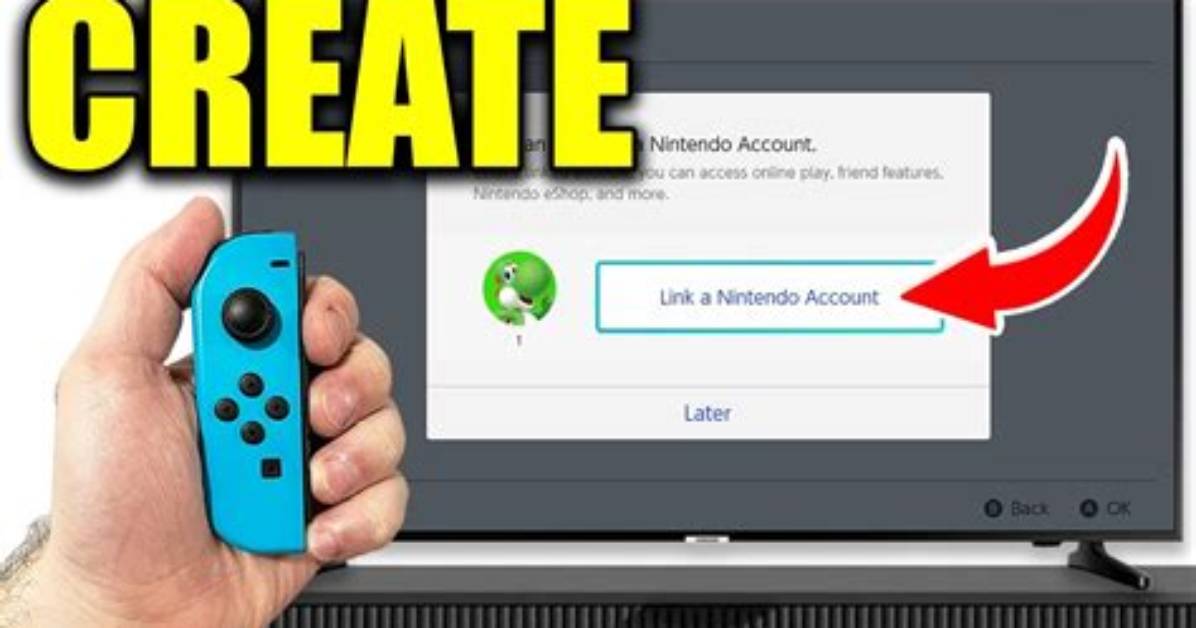
First, you'll want to start up the Nintendo eShop application on your Switch.
Then, select the user profile icon, which is located on the upper right-hand side of the eShop menu.
Go down the list of menu options and highlight and select Nintendo Switch Online.
Then, just hit "Turn off automatic renewal," and you're good to go!
There are a few things to note, however.
The cancellation of automatic renewal needs a solid 48 hours before the next billing cycle to ensure that you're not paying for another month. So if you disable your automatic billing under 48 hours before the next billing cycle, don't be surprised if you're charged for an additional month of service.
If you don't have your Switch on you, you can also cancel the subscription from a web browser. The steps are very similar, with a few differences.
First, you'll want to navigate to Nintendo's website.
Then, in the upper right-hand corner again, you'll want to click on your profile.
That's when you'll be greeted with a pop-up panel listing a bunch of menu options. Click Settings.
Another screen of your account information will come up and you'll see an option that reads Shop Menu. Click it.
This will bring up all of your payment data that's been logged with Nintendo. Hit Your Subscriptions.
You'll then be presented with the option to check Your Subscriptions. Click on that.
Another window will pop up that reads Check Nintendo Switch Online membership status. Hit that.
You'll be presented with the Turn Off Automatic Renewal option. Hit that and you'll be good to go. The same 48-hour window rule applies to the browser as well.

